DevTools grid overlay misrender with writing-mode: vertical-lr
Summary
reproducer
This page reproduces the original report: a CSS grid with writing-mode: vertical-lr.
When Grid overlay is enabled in DevTools, the overlay can appear shifted relative to the actual grid in affected builds.
Standalone Reproducer
Use this exact element in DevTools
The inline demo is removed here. Use the standalone page for repro and overlay checks.
Before / After Screenshots
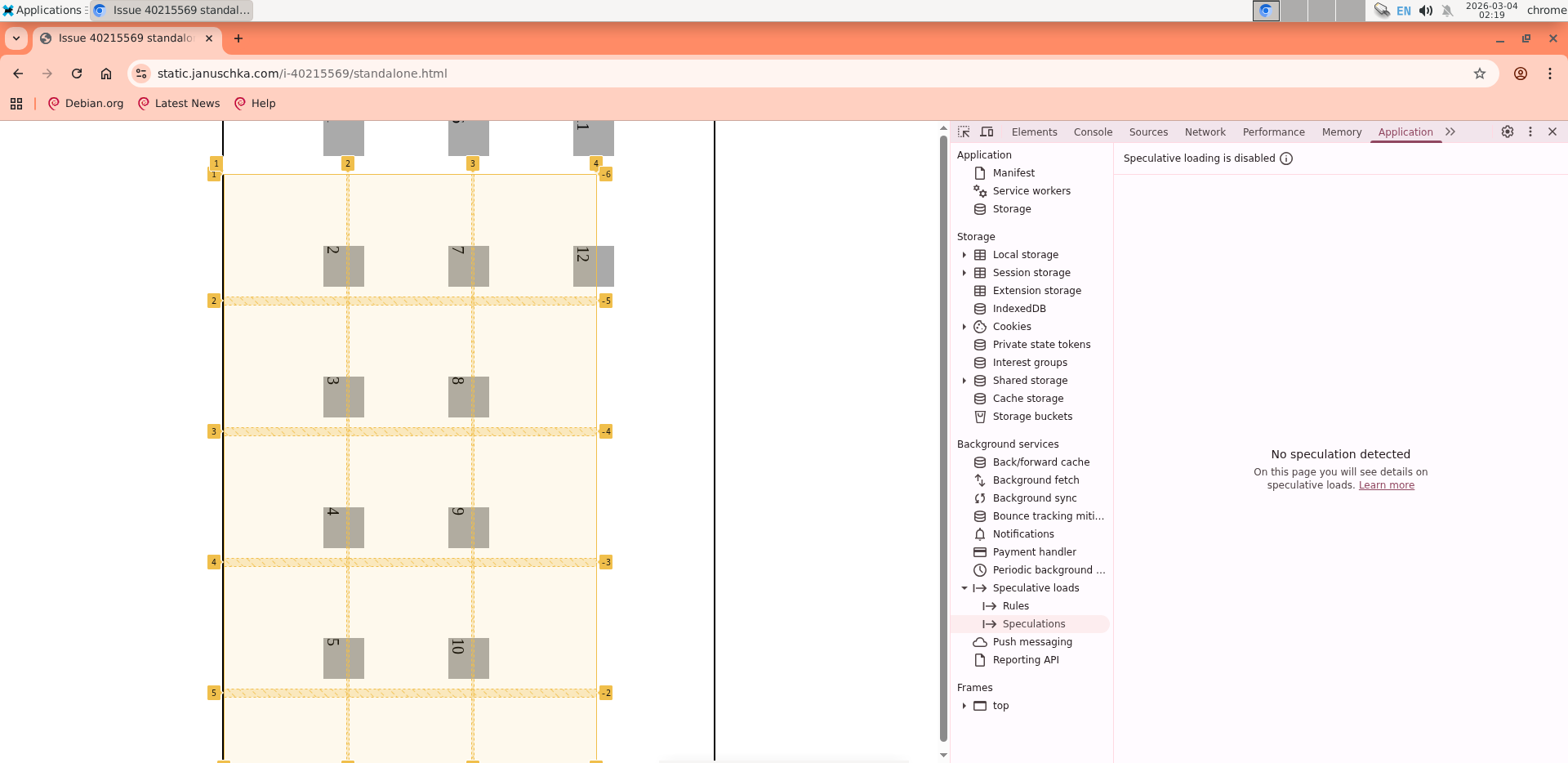
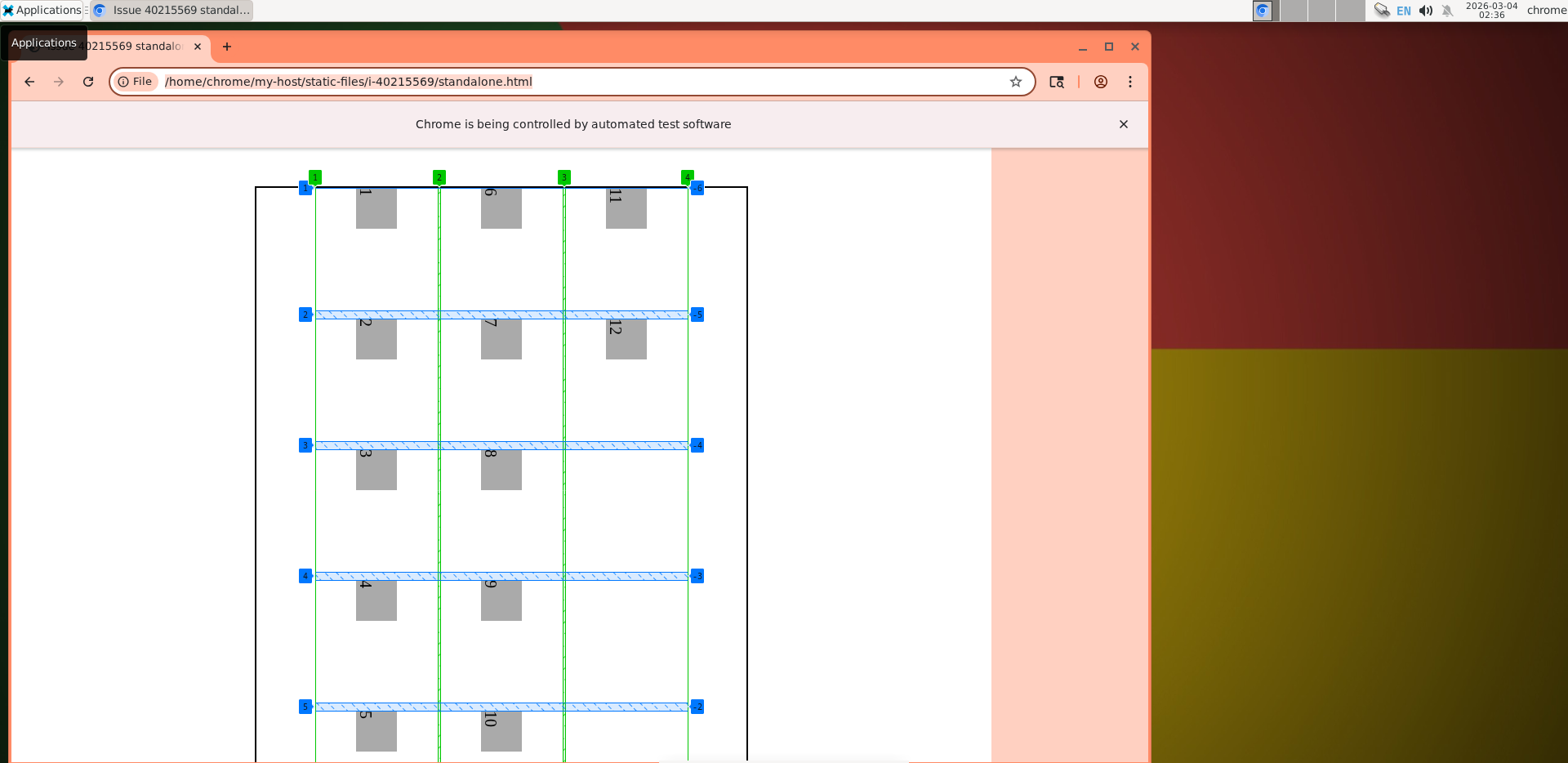
Manual Repro Steps
- Open
standalone.htmlin Chrome. - Open DevTools and go to
Elements. - Select the
.gridelement. - Open the
Layoutpane and enable the grid overlay checkbox for this node. - Expected: overlay border and lines align exactly with the rendered grid tracks.
- Actual on affected builds: overlay appears offset/misaligned.
Reference CSS
.grid {
  position: absolute;
  inset-inline: 0 0;
  inset-block: 0 0;
  inline-size: 800px;
  block-size: 600px;
  border: 2px solid #000;
  margin: auto;
  display: grid;
  gap: 3px 10px;
  grid-template: 150px 150px 150px / 150px 150px 150px 150px 100px;
  justify-content: start;
  align-content: center;
  align-items: center;
  writing-mode: vertical-lr;
}