safe-area-inset-bottom stays at nav-bar height while the keyboard is open
The report
In a standalone PWA with viewport-fit=cover and the short-edges cutout experiment
enabled, opening the keyboard leaves env(safe-area-inset-bottom) at the navigation-bar
height (e.g. 44px) even though the keyboard now covers that area. Bottom UI that follows the
visual viewport above the keyboard then floats an extra bar-height too high.
Cause
When the browser safe area is merged for cover-mode web apps, the visible IME was only
subtracted from the navigation-bar inset for interactive-widget=resizes-content
pages. Pages using the default resizes-visual mode (layout viewport keeps its size, only
the visual viewport shrinks) kept the full bar inset, so
env(safe-area-inset-bottom) never dropped while the keyboard was up.
The fix treats resizes-visual like resizes-content and subtracts the IME from the bottom inset.
overlays-content (VirtualKeyboard API) intentionally keeps the stable bar inset,
since those pages use env(keyboard-inset-*) instead.
Second round: the first build of this fix still failed on device. A page that never
declares interactive-widget does not report resizes-visual - it reports
unset, and the Android platform default for unset is resizes-visual. The first attempt only
matched the explicit modes, so it never fired for ordinary pages. The current build treats unset
as a resizing mode.
Test build (v2, rebuilt after the first attempt failed on device)
Download Chromium APK (arm64, ~665 MB)
- Package
org.chromium.chrome, arm64 only, local debug build - large and unoptimized, so expect a slow first start. Side-by-side with Chrome/Canary is fine. - SHA-256:
5b4e4895ed0906cd14b07890609159ed6ec81356dc2e2da1bde6613fb5e56bb6 - Contents: current
origin/mainplus the keyboard safe-area fix.
How to reproduce and verify
- Install the APK. It is a separate app (
org.chromium.chrome, labelled Chromium) next to Chrome/Canary - open that app, not Chrome.chrome://versionshould read 157.0.8080.0 /org.chromium.chrome. - In Chromium, open
chrome://flags. - Search for Web App Short Edges Cutout Mode (flag id
web-app-short-edges-cutout-mode) and pick Enabled (Standalone also enabled), then Relaunch. - Open the password sampler inside Chromium and
install it to the home screen (menu → Add to Home screen / Install), then
launch it from that icon.
Important: a home-screen icon created earlier by Chrome or Canary keeps opening that browser, so it will not contain the fix. Remove the old icon first, or check thebrowserrow described below. - Focus the password field so the keyboard opens, and read the LIVE STATUS panel.
Identifying the build: navigator.userAgent reports a reduced version
(157.0.0.0 for every Chrome 157), so it cannot tell builds apart. The
browser row in LIVE STATUS therefore resolves the real version through
high-entropy client hints and should read Chromium 157.0.8080.0 for this build. If it
shows Google Chrome, or a different build number, the app that opened is not this APK -
most often because the home-screen icon still belongs to the browser that installed it.
| metric (keyboard open) | before | with this build |
|---|---|---|
safe-area-inset-bottom | nav-bar height, e.g. 44px | 0px |
safe-area-inset-top | status-bar height, e.g. 37px | unchanged |
innerHeight | unchanged while keyboard opens | unchanged (resizes-visual) |
visualViewport.height | shrinks above the keyboard | unchanged behavior |
With the keyboard closed, safe-area-inset-bottom should still report the navigation-bar
height in both builds - the inset only clears while the keyboard covers it.
Status
- Unit coverage for unset (cleared), resizes-visual (cleared), resizes-content (cleared), short/floating IME (remainder kept), and overlays-content (bar inset kept).
- Verified on a Pixel 6a (Android 17). Values are
safe-area-inset-bottomwith the keyboard open:
| display mode | navigation | before | with this build |
|---|---|---|---|
| fullscreen | 3-button | 48px | 0px |
| fullscreen | gesture | 24px | 0px |
| standalone | gesture | 24px | 0px |
| standalone | 3-button | 48px | 0px |
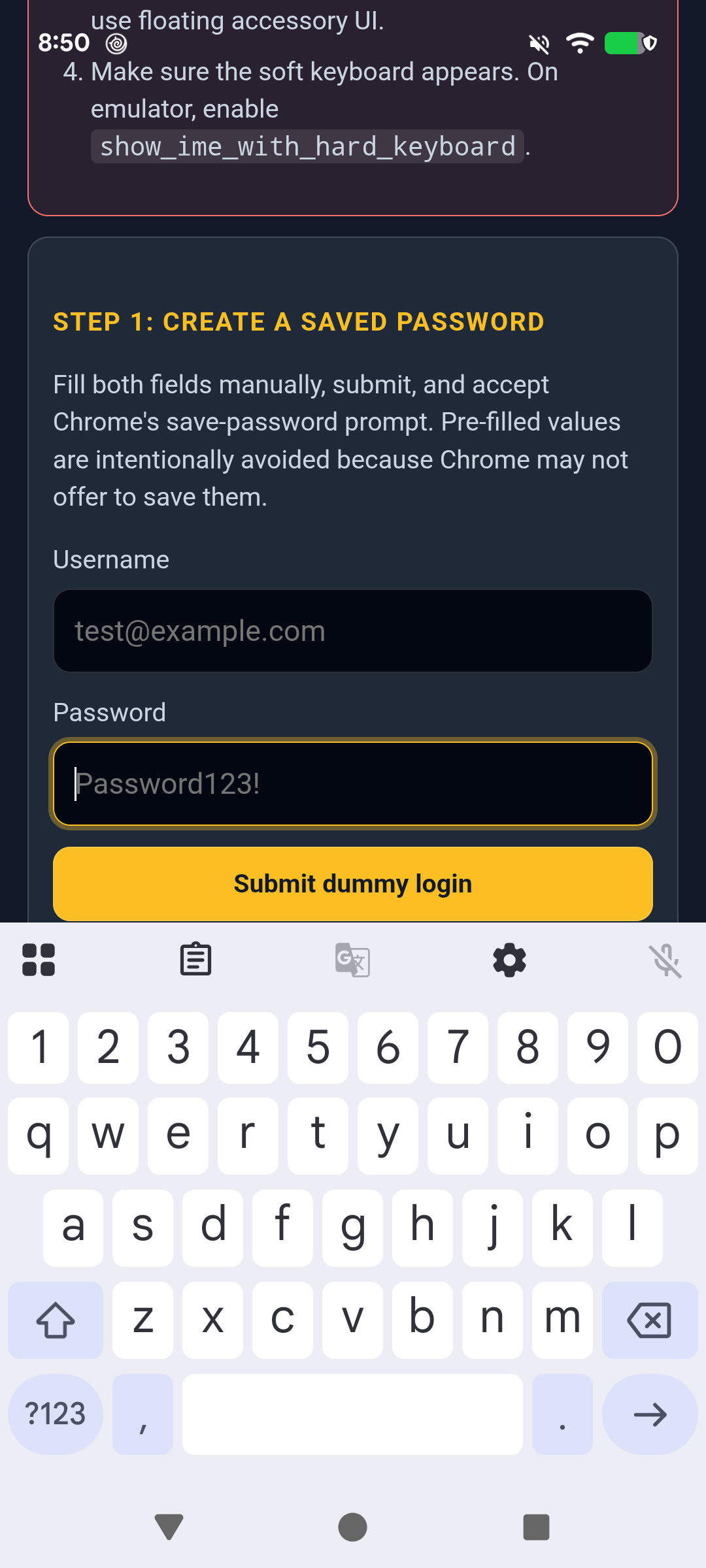
- The top inset is unchanged in every case, and with the keyboard closed the bottom inset still reports the navigation-bar height as before.
- The fix applies to both
display: fullscreen(flag alone) anddisplay: standalone(flag + Standalone also enabled) web apps, in 3-button and gesture navigation. The bottom inset reported while the keyboard is open equals the navigation-bar height of the current navigation mode, so it is 48px-class in 3-button and 16px-class in gesture navigation - both should read 0px with the fix. - Related: the main 407420295 sampler page and the resizes-content keyboard sampler.