Standalone vs fullscreen PWA
Install both on Android
Open each link in Chrome and use its menu to install the app. Launch each from its own home-screen icon, not from a browser tab. Both show their detected display mode, viewport size, and safe-area insets.
Install standaloneInstall fullscreenWhat to look for
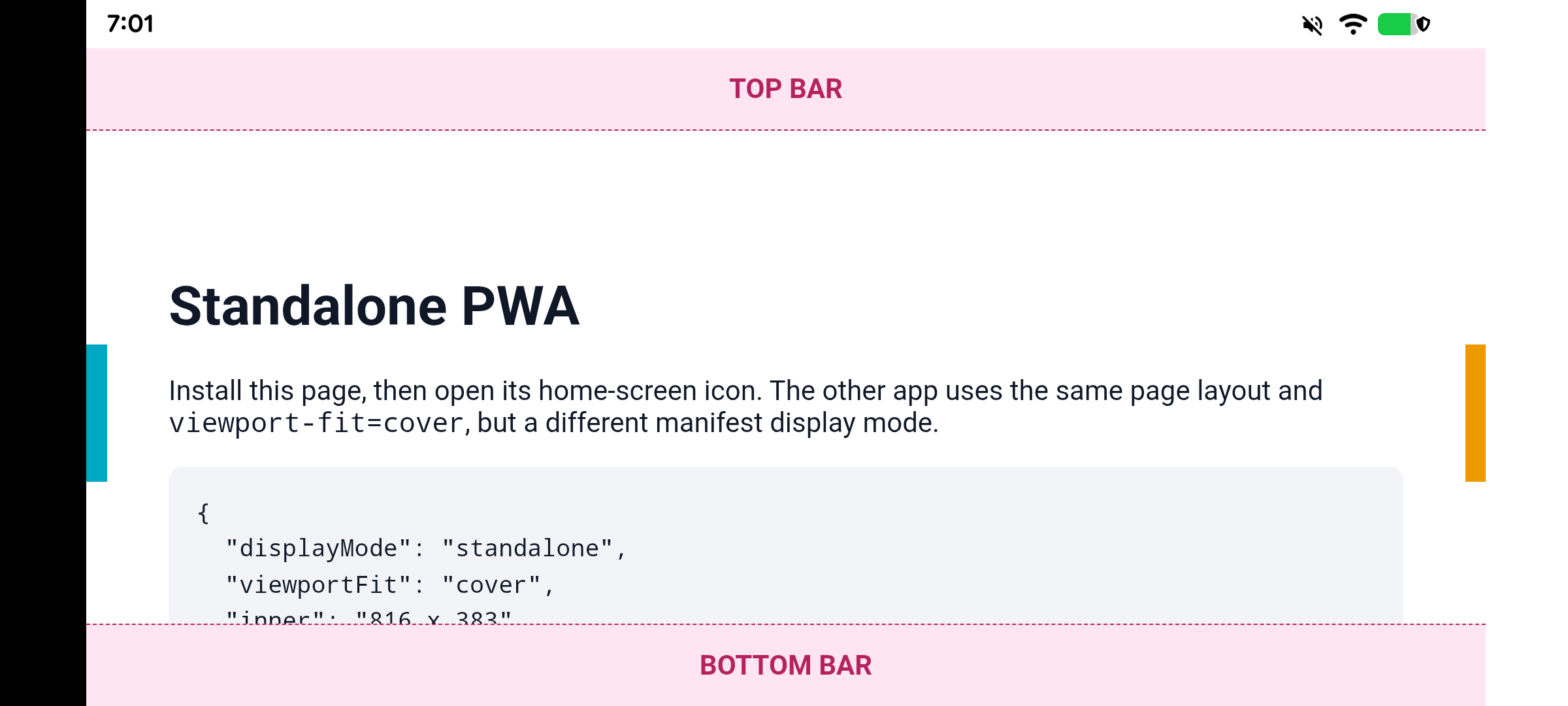
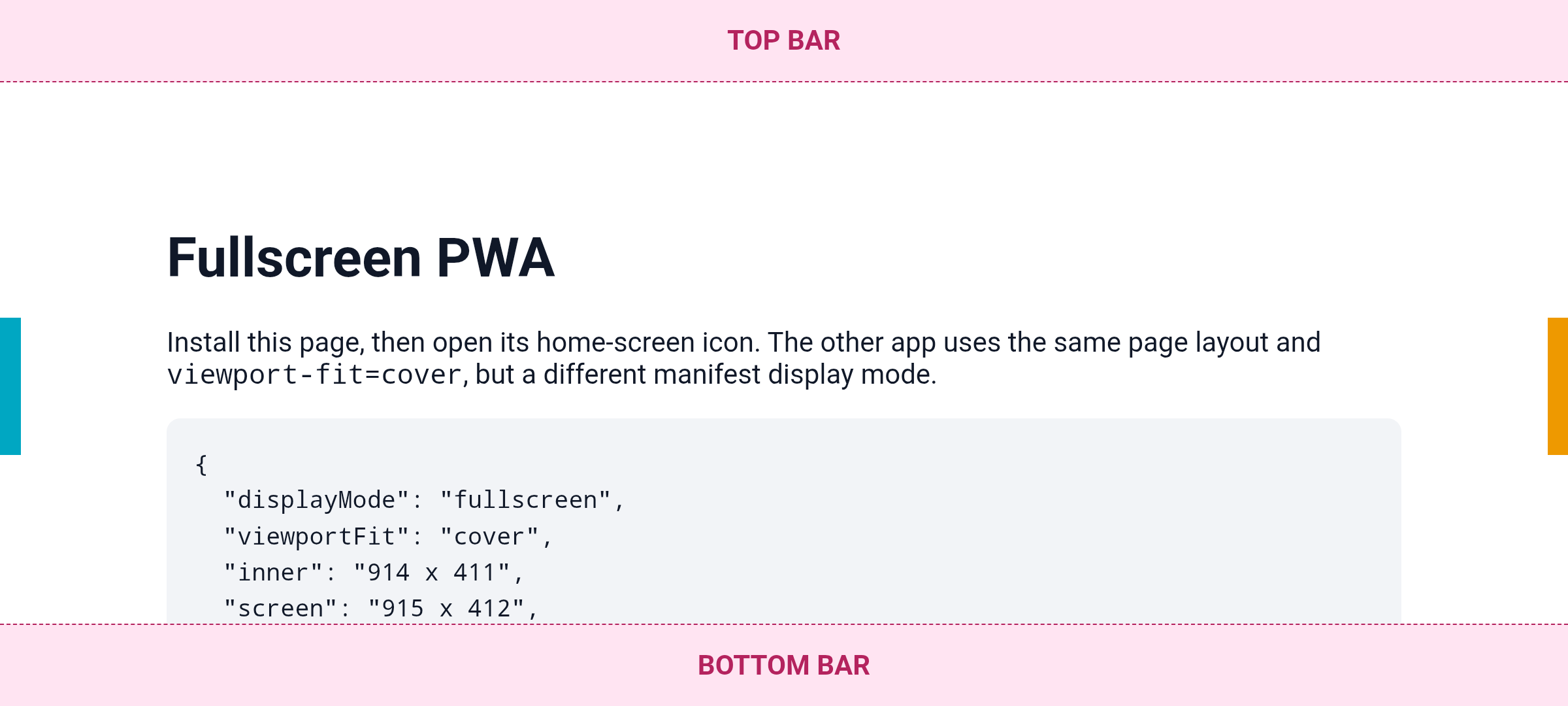
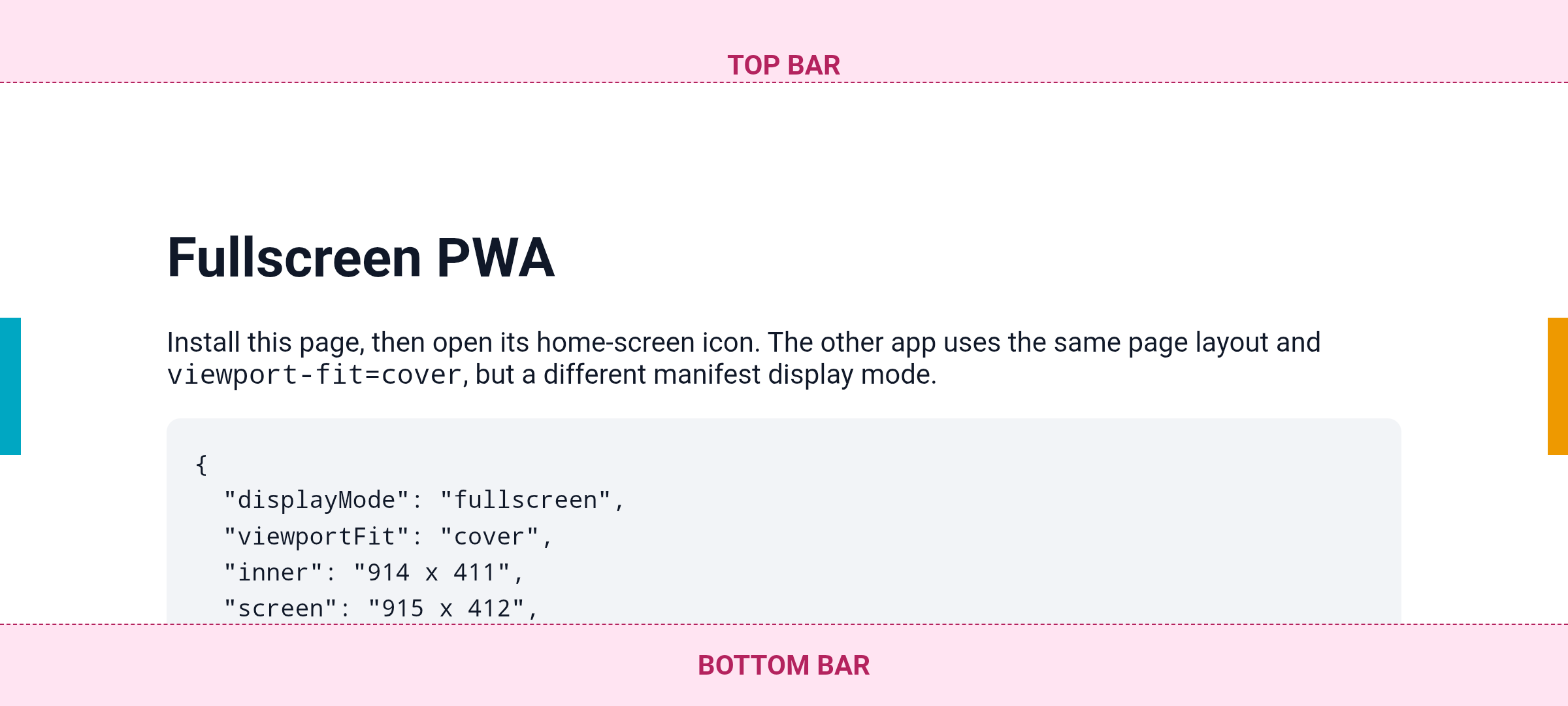
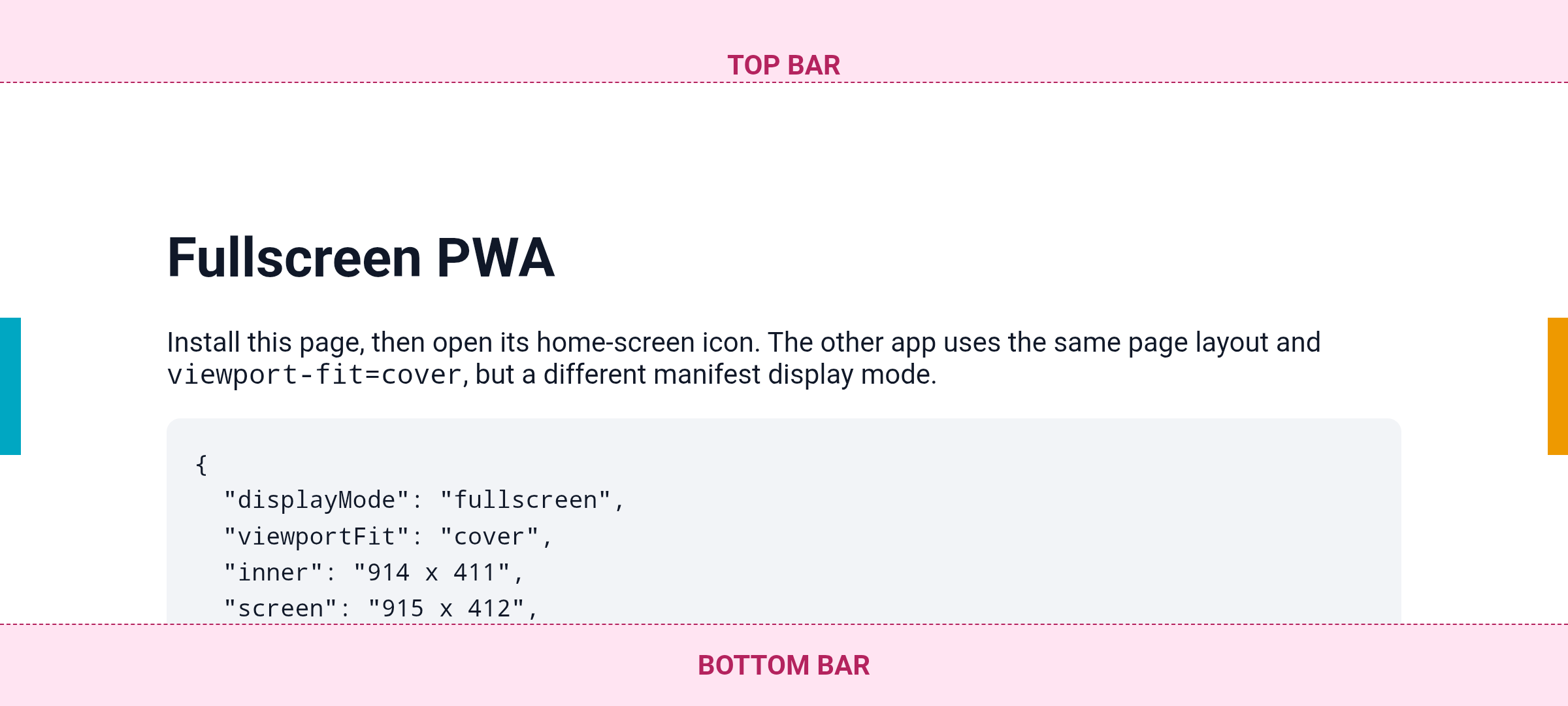
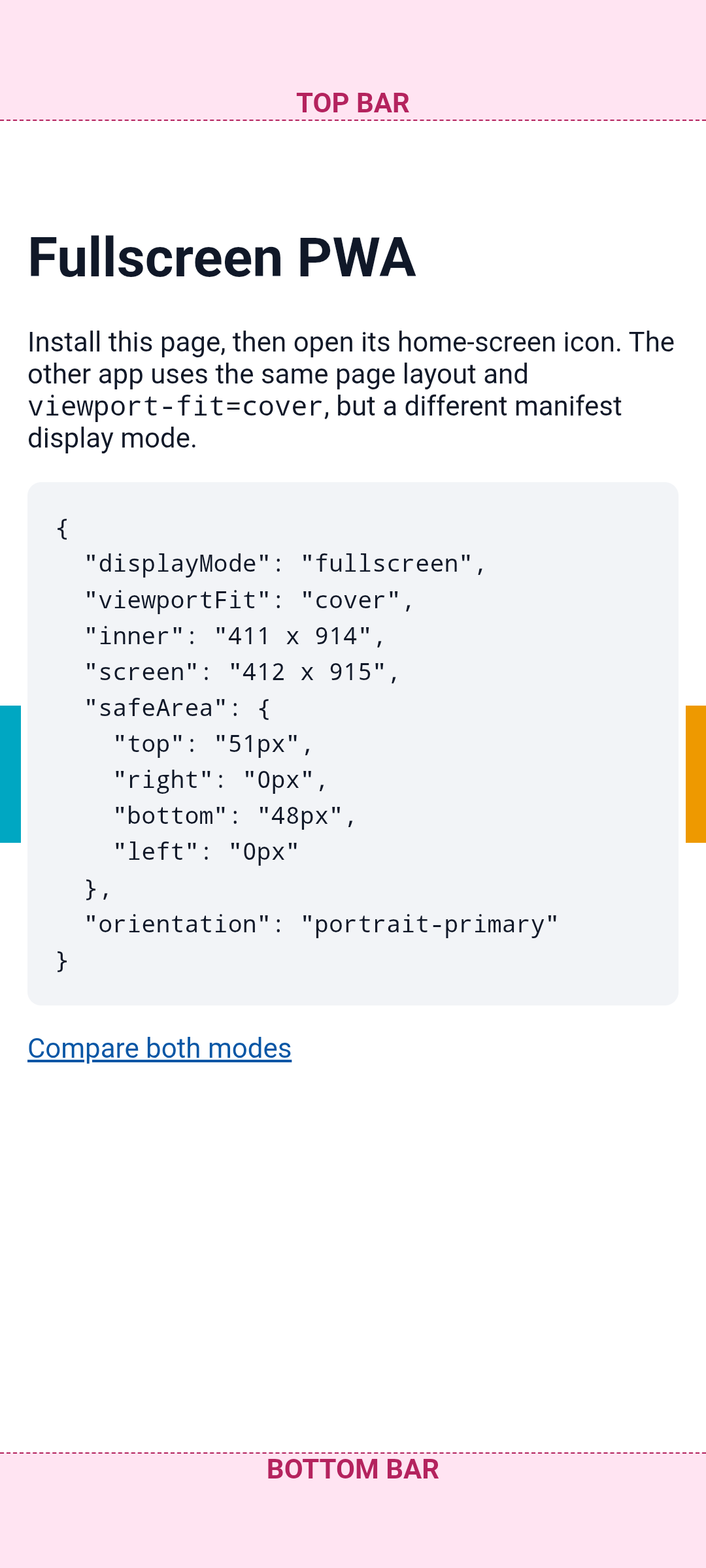
standalone has no Chrome address bar, but normally keeps Android's status and navigation bars visible. fullscreen enters immersive mode and hides them. Swipe from the screen edge to reveal the transient bars.
The cyan and amber edge markers show where the web content starts and ends. Compare the inner and safeArea readings after launching each icon. The only difference between the two test pages is the manifest display mode and the displayed heading.
Feature and parameter on device
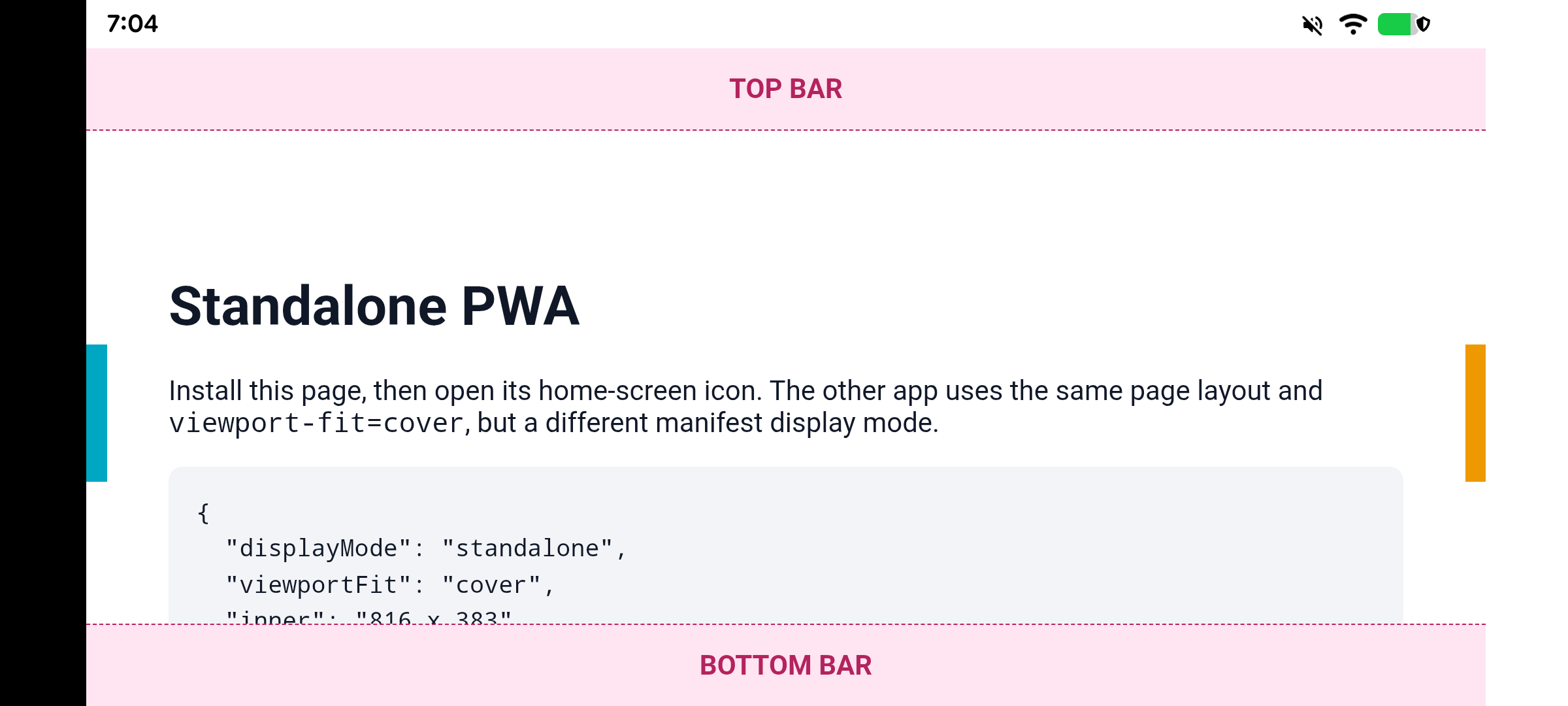
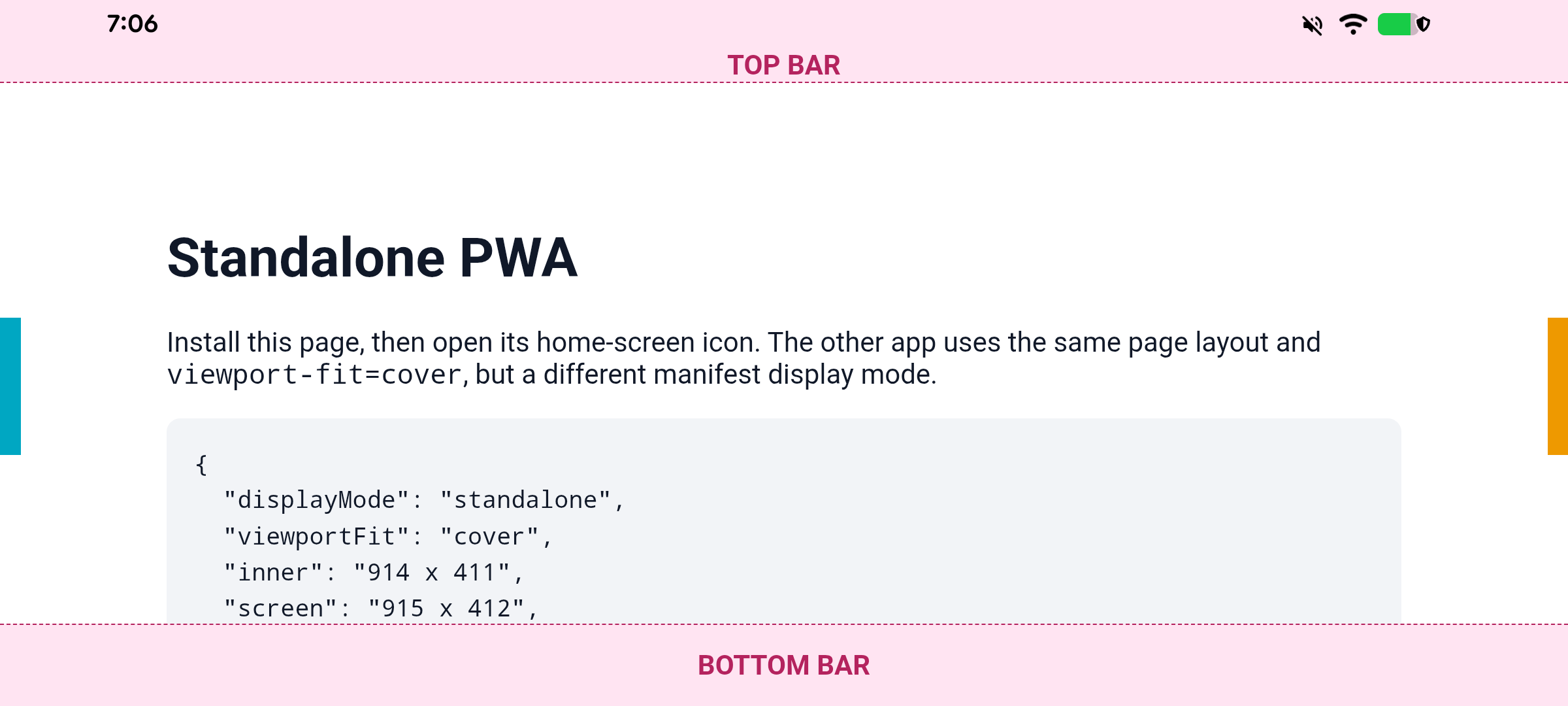
Pixel 6a, Android 17, local Chromium 156.0.8071.0 (capture script). Both installed apps use viewport-fit=cover. Standalone is fitted with the parameter off (411 x 816 CSS px); turning the parameter on lets it draw under the still-visible system bars (411 x 914 CSS px, safe-area top/bottom 51/48px). Fullscreen remains immersive with either parameter value.
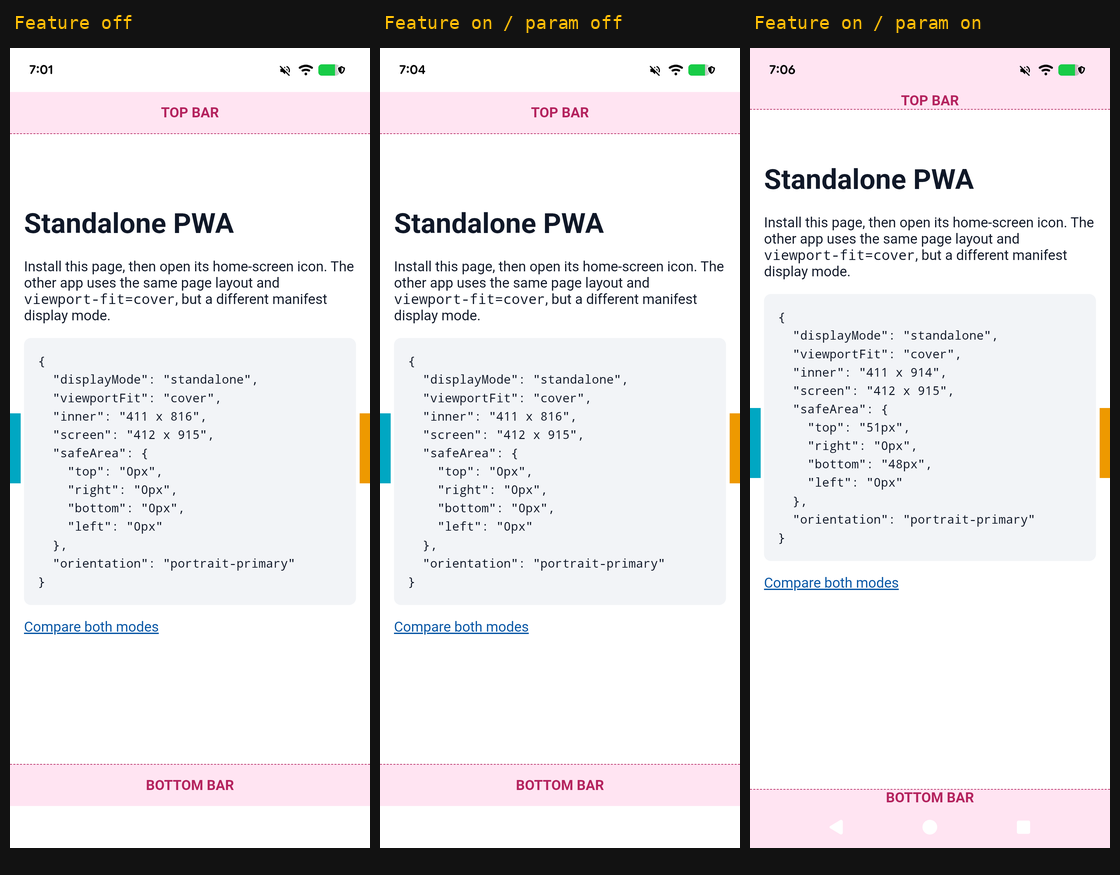
Full-resolution captures: off · param off · param on. Fullscreen: off · param off · param on.
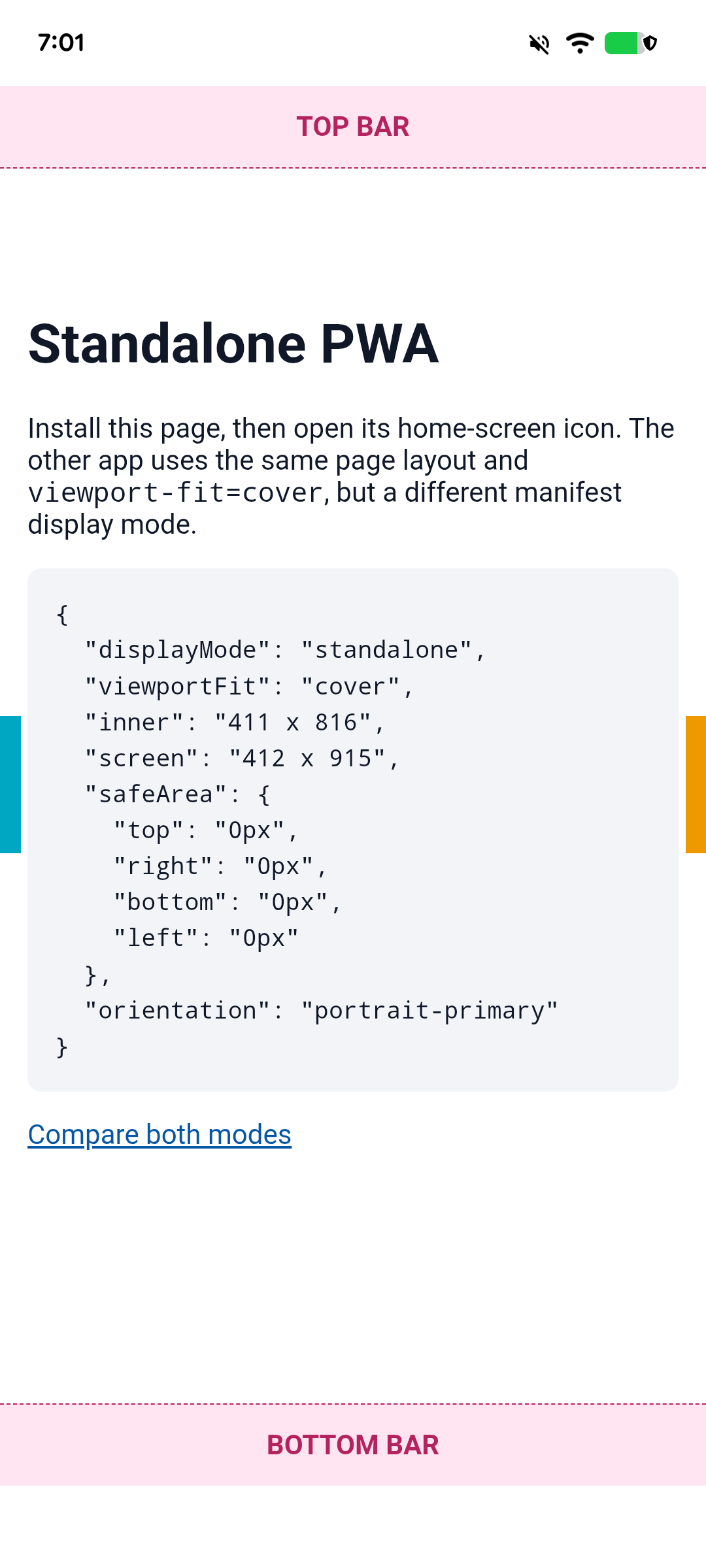
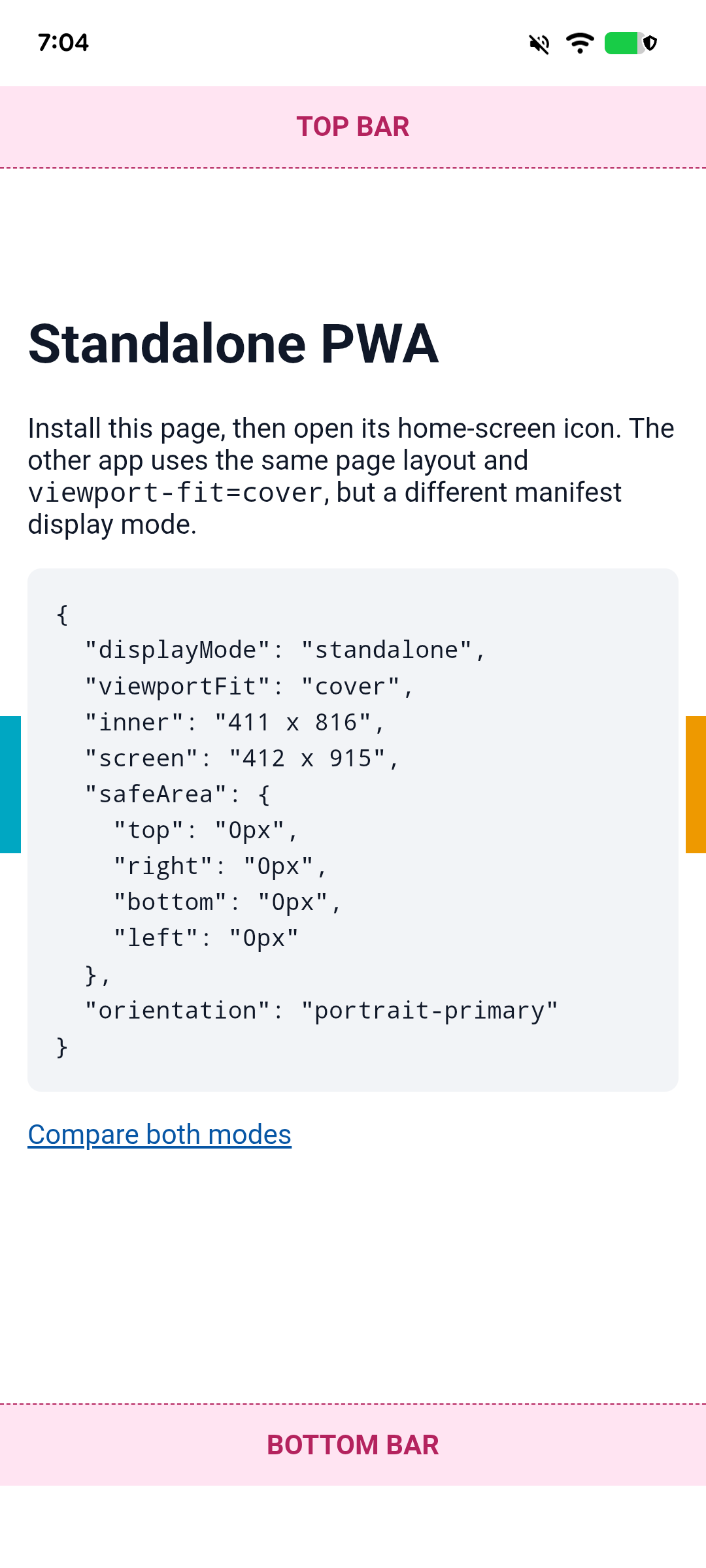
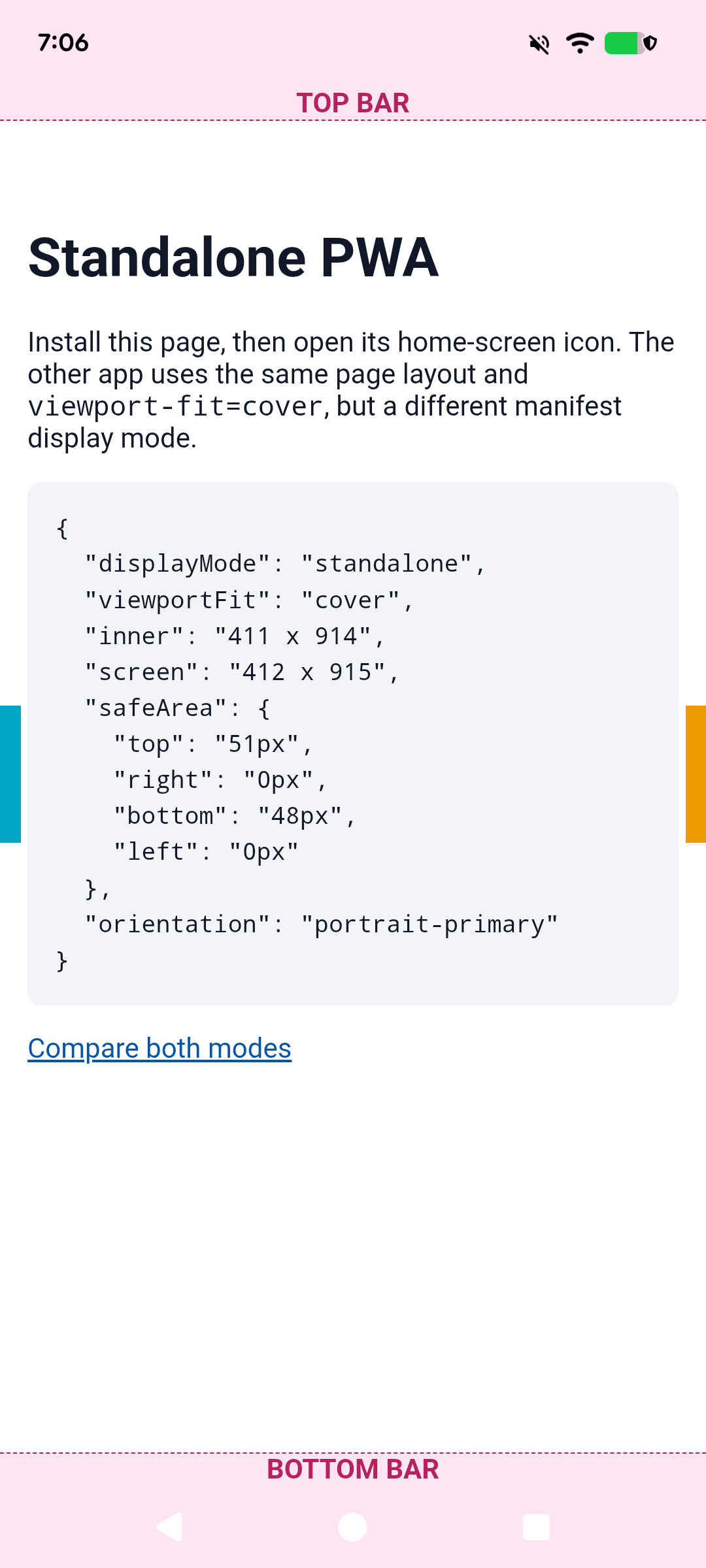
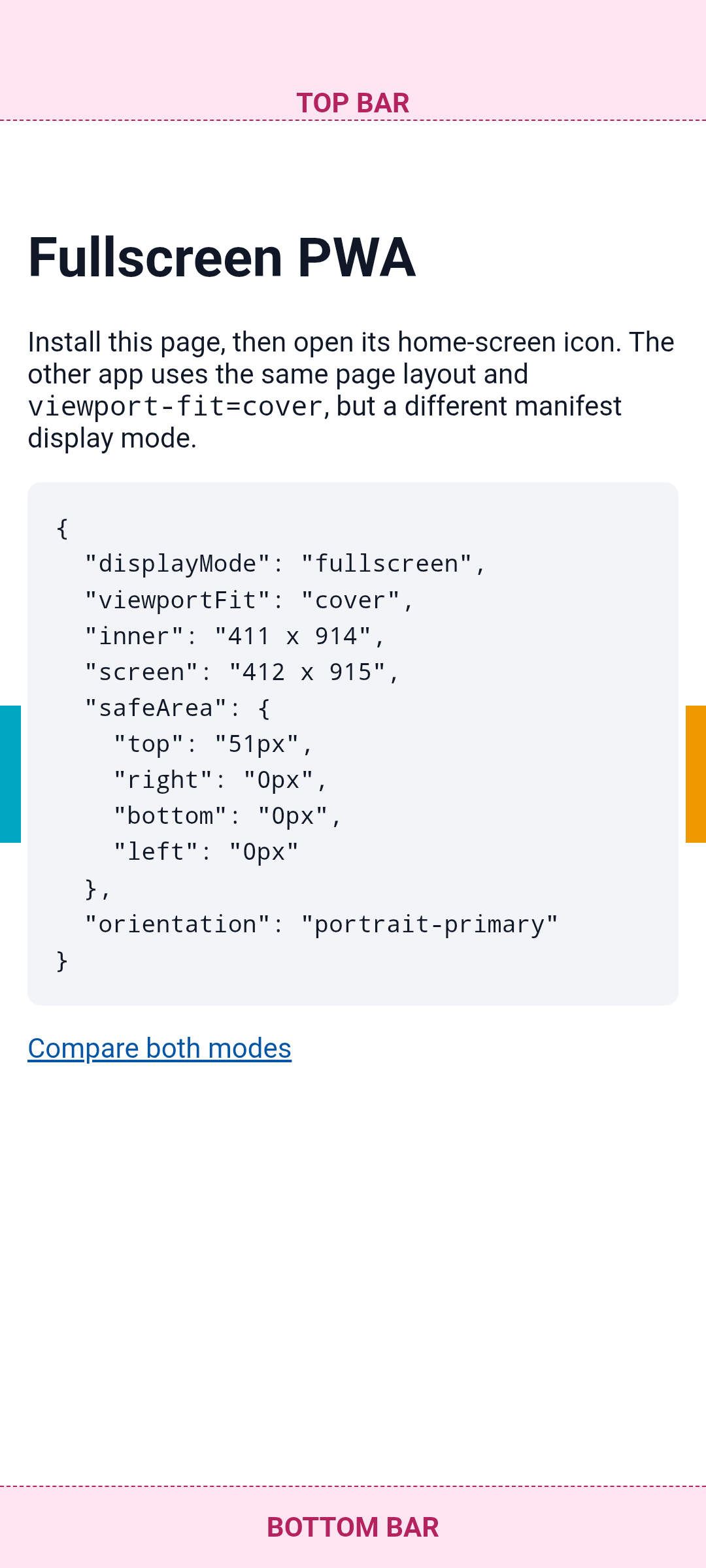
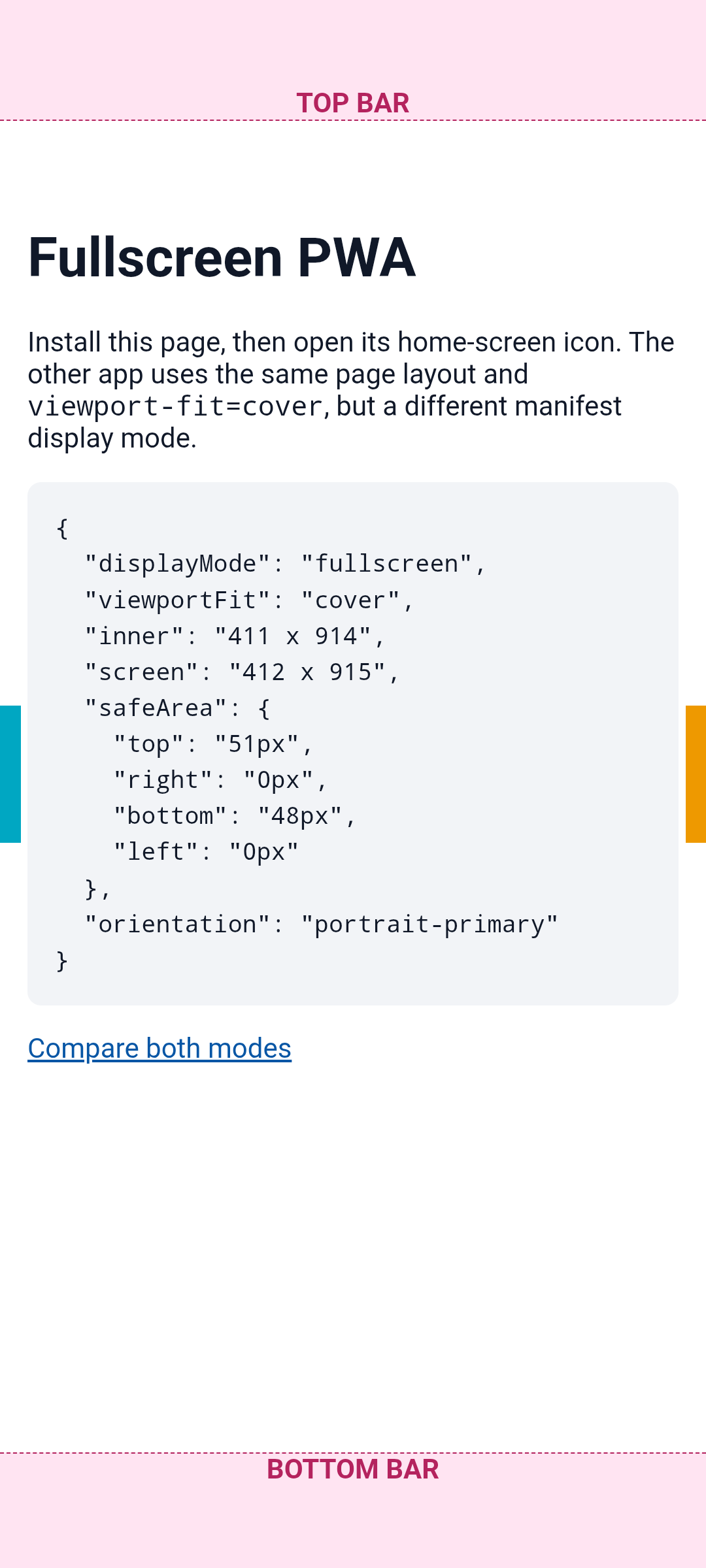
Landscape: standalone off / param off / param on; fullscreen off / param off / param on. The script warms Chromium once after each command-line change so the cached feature parameter is available before capturing cold PWA startup, then restores the command line and rotation.