readonly input keeps its selection after the focus leaves the document
TL;DR
Select the text of a <input readonly>, then move the
focus out of the document (TAB into an iframe, click the address bar). Chrome
keeps painting the selection; Firefox and IE11 drop it. An editable input in
the same situation always dropped it.
FrameSelection::SelectionHasFocus() only tied a selection to
its text control when the selection was editable. In a readonly input
the inner editor is not editable, so the ancestor walk climbed out of the UA
shadow tree and inherited focus from the document fallback.
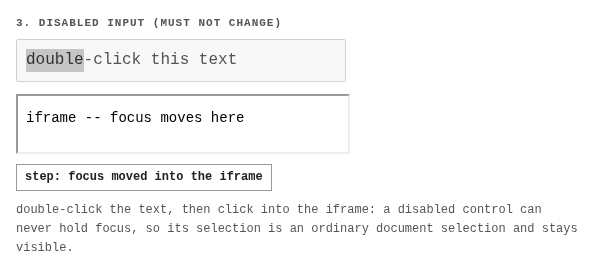
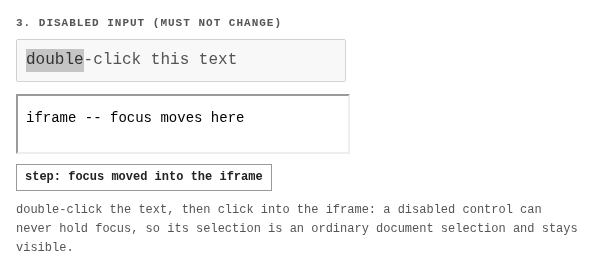
The fix treats focusable text controls uniformly: a non-editable selection inside a text control reports no focus once that control is not the focused element. Disabled controls are excluded -- they can never hold focus, so their selection is an ordinary document selection.
The change
// third_party/blink/renderer/core/editing/frame_selection.cc
// FrameSelection::SelectionHasFocus()

if (RuntimeEnabledFeatures::
        HideUnfocusedReadonlyTextControlSelectionEnabled() &&
    !IsEditable(*current)) {
  const TextControlElement* text_control = EnclosingTextControl(current);
  if (text_control && !text_control->IsDisabledFormControl()) {
    return false;
  }
}
3 files, +53/-0: the condition above,
FrameSelectionTest.SelectionInReadonlyTextControl plus a control
test, and the status: "stable" kill switch in
runtime_enabled_features.json5.
What changes, what does not
| case | before | after |
|---|---|---|
| readonly input, focus left | selection painted | selection hidden |
| editable input, focus left | hidden | hidden |
| disabled control, focus left | painted | painted |
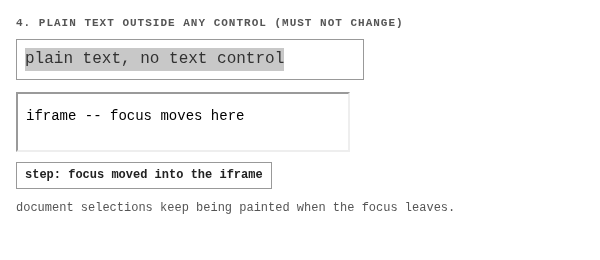
| plain text outside a control | painted | painted |
Samples
Rendered runs live in your browser (stock Chrome shows the
bug in case 1). Expected and Diff are
content_shell captures with the flag on, and the pixel mask
between flag-off and flag-on.
1. readonly input -- the bug
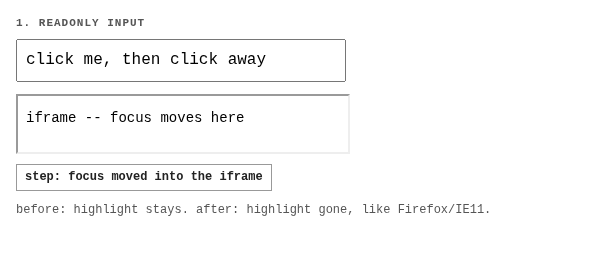

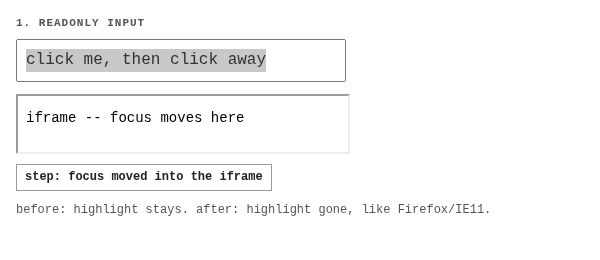
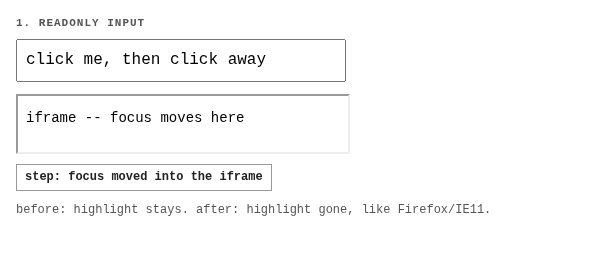
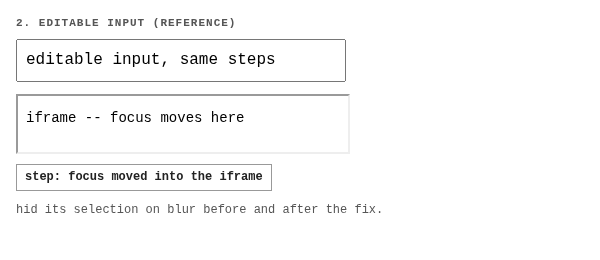
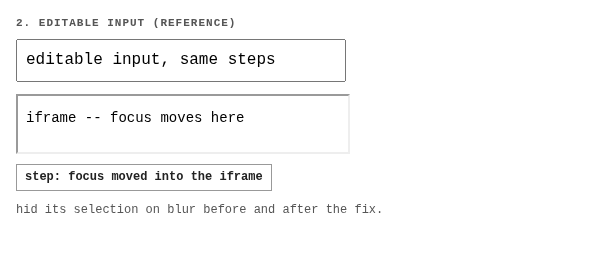
2. editable input -- reference behavior
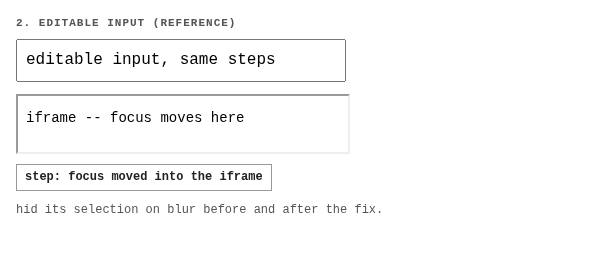

3. disabled control -- the carve-out
FocusingButtonHidesRangeInDisabledTextControl pins, and what
the first, broader version of the fix broke.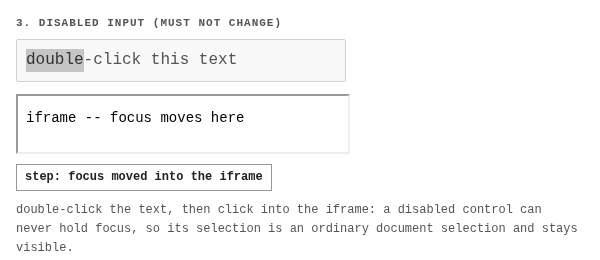

4. plain text outside any control -- unchanged

Verification
Unit tests (debug component build, local)
FrameSelectionTest.SelectionInReadonlyTextControlfails with--disable-blink-features=HideUnfocusedReadonlyTextControlSelectionon the post-blur assertions, passes with the flag on -- kill switch proven both ways.- All 54
FrameSelectionTest.*pass, includingFocusingButtonHidesRangeInDisabledTextControl. - 678
*Selection*:*TextControl*:*Editing*blink unit tests pass. - Web tests from the earlier run:
editing/selection+fast/forms/text-control(1378),editing/pasteboard+external/wpt/selection(failures verified pre-existing).
Screenshots
Captured with capture_screenshots.py against a local
content_shell, same build, flag off vs flag on, focus emulation
enabled so the offscreen window counts as focused.
xvfb-run -a python3 capture_screenshots.py