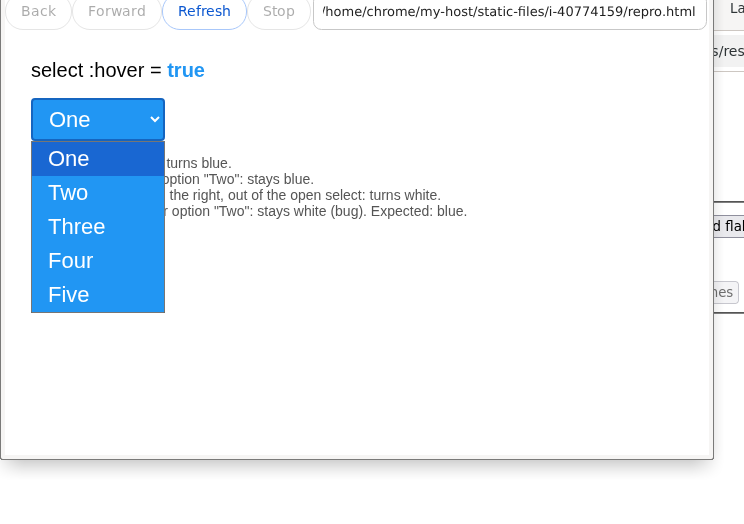
select element hover style inconsistent while native popup is open
On Windows, a select:hover style is lost while the dropdown is
open and never restored when the mouse re-enters the popup.
Repro (Windows)
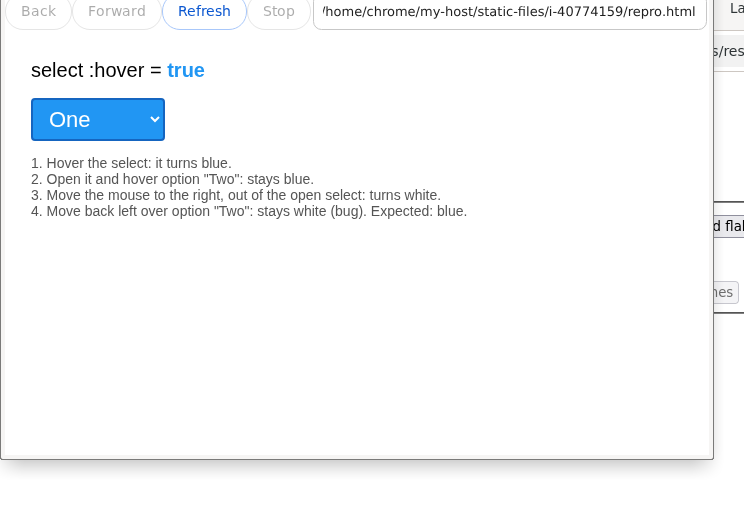
- Open the repro page and hover the select: it turns blue.
- Open the dropdown and hover option "Two": stays blue.
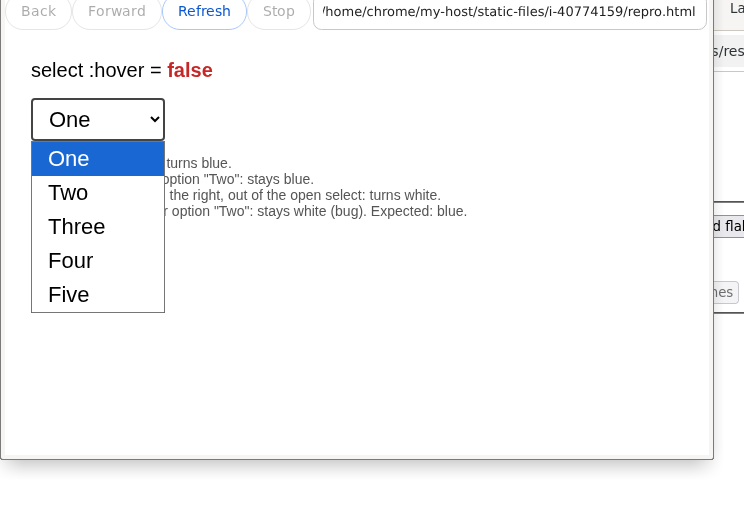
- Move the mouse to the right, out of the open select: turns white.
- Move back left over option "Two": stays white (bug). Expected: blue.
Follow-up: other form-control pickers
The date/time and color choosers open the same out-of-page popup windows as
the native select menu, so they had the same :hover asymmetry. The
follow-up lifts the freeze/re-sync into a shared Element mechanism
(Element::SetFreezeHoverForOpenPopup()) and wires it up for
<select>, the date/time inputs, and
<input type=color>.
- Hover any control: it turns blue (
:hover = true). - Open its popup and move the mouse next to the popup, over the page.
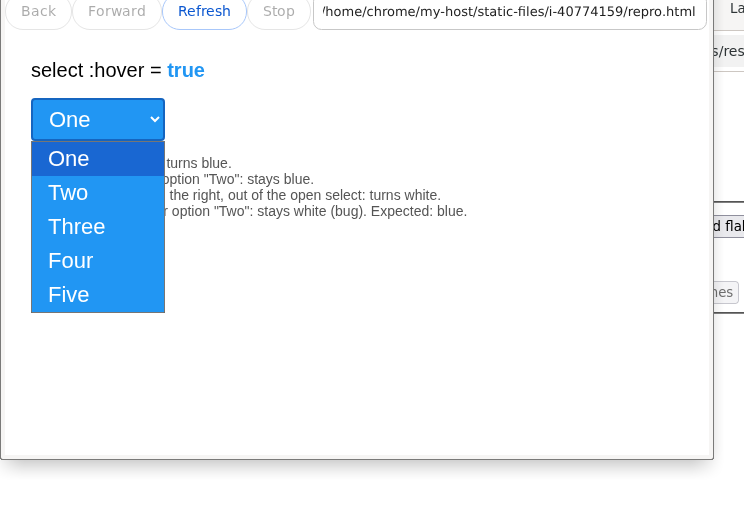
- Expected (fixed): the control stays blue the whole time the popup is open.
Actual vs expected
Actual (unpatched)
Expected (patched)
Step 1 - hovered
Step 2 - popup open