Non-square PWA icons: pad, don't stretch
A manifest says an icon is 160x160, the server sends 160x120.
That happens all the time in the wild. Today Chrome on desktop throws such icons
away, and the Android install dialog stretches them. CL 8545991
centers them in a transparent square instead, so a round logo stays round.
ChromePublic (Chromium), arm64 debug build from local CL 8545991
commit d0a3e07e45d7e (review fixes, not uploaded yet), built Oct 13,
2026. Tested on a Pixel 6a running Android 17. Installs next to regular Chrome as
org.chromium.chrome.
adb install -r ChromePublic-566319139-cl8545991-local-d0a3e07e-arm64.apk
Proof: desktop
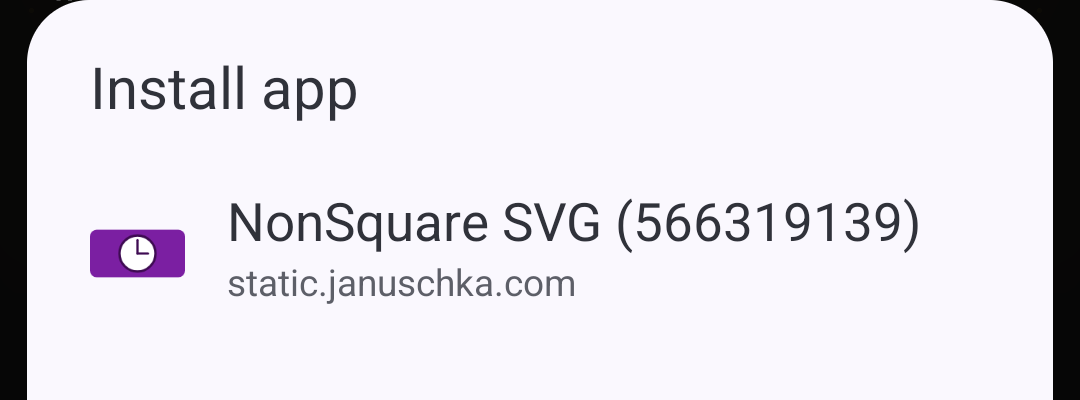
Icons Chrome stored on disk after installing each test case into a fresh profile.
Checkerboard = transparent. "Before" is Chrome 155.0.8059.39 stable on Linux; "after"
was regenerated Oct 13 with local CL commit 4b796aba1080f from fresh profiles.





stored

Proof: Android
Install dialog on a Pixel 6a (Android 17). "Before" is Chrome 150.0.7871.186 stable;
"after" was recaptured Oct 13 with local build 4b796aba1080f.
The current local build d0a3e07e45d7e also fixes the separately
downloaded shortcut splash image. Both builds use the shared
InstallableIconFetcher primary icon. Preview dialogs were canceled
after capture; a separate full shortcut install is shown below.
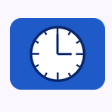
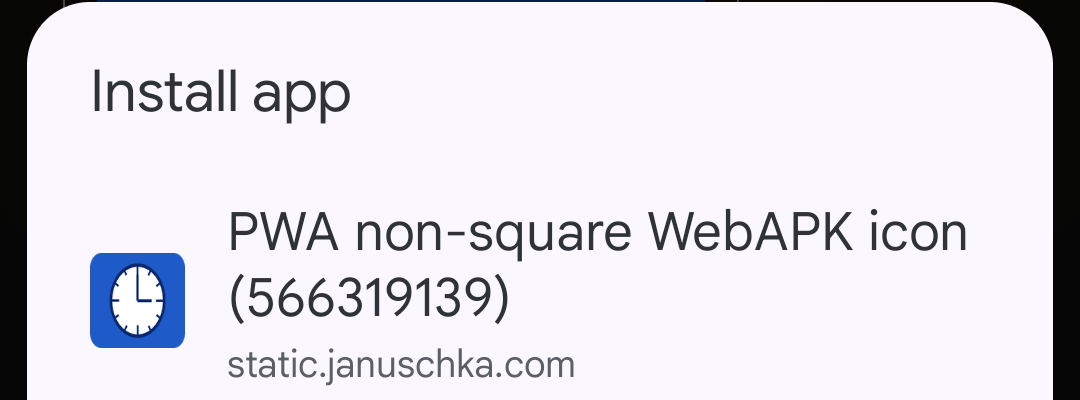
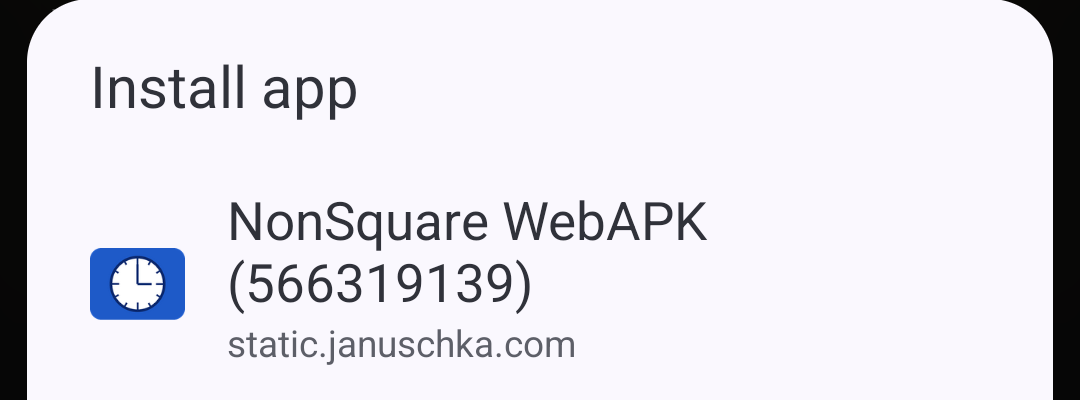
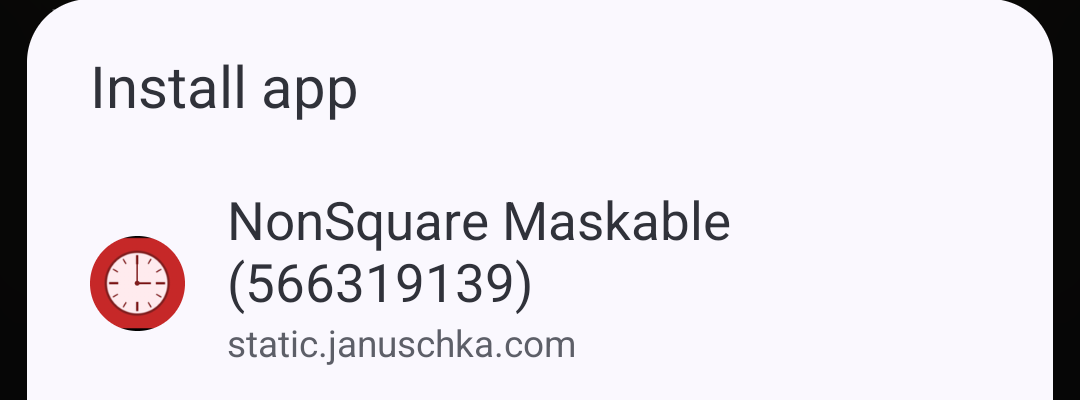
More Android install surfaces (same local APK)
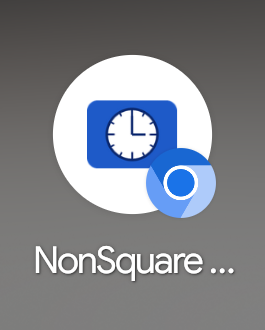
Full local Chromium shortcut install and launch
On the Pixel 6a, choosing Install in the Chromium debug build
created a pinned Chromium web-app shortcut (not a WebAPK package). Its launcher
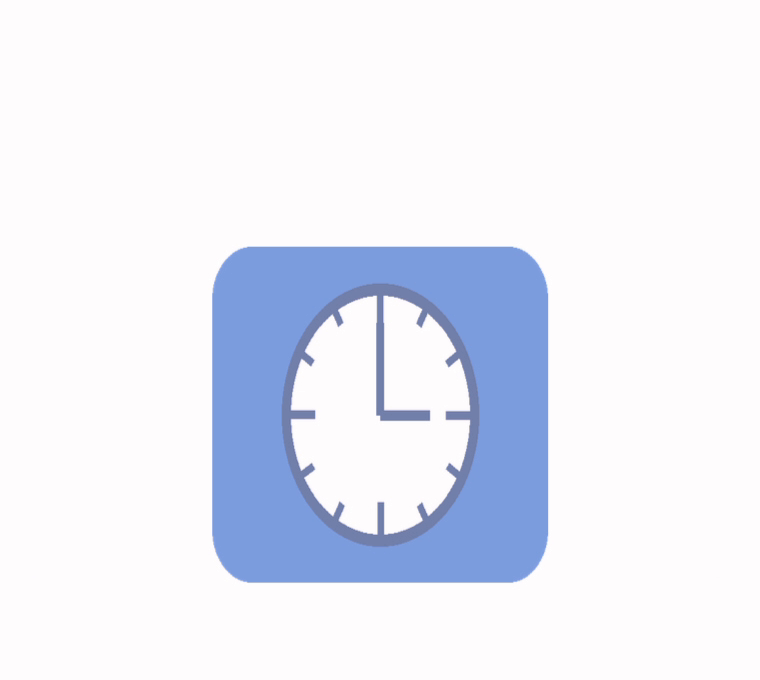
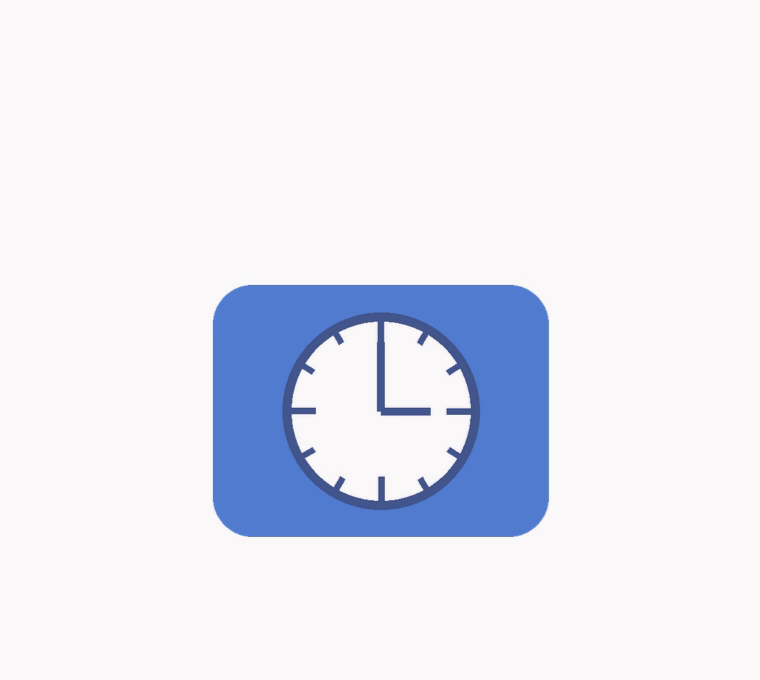
icon is round and the shortcut opens standalone. The initial local build
showed an oval clock on launch because ShortcutHelper separately
downloaded and stretched the splash image. The amended build pads that splash
image as well. These screenshots are from those two local builds, not from
WebAPK minting.
WebAPK minting: follow-up needed
The earlier WebAPK mint shown below used stable Chrome and the production server.
It embedded the served 512x384 file unchanged as both app_icon and
splash_icon; Android fitted that icon without visible distortion.
But on initial installation the WebAPK hasher sends raw icon bytes, not the padded
primary bitmap shown in the new install-dialog screenshots. This CL fixes install
surfaces; making the WebAPK minting input square is a separate follow-up. Decoding
untrusted raw images inside the browser-process hasher is not a safe shortcut.
Test cases
case-any →
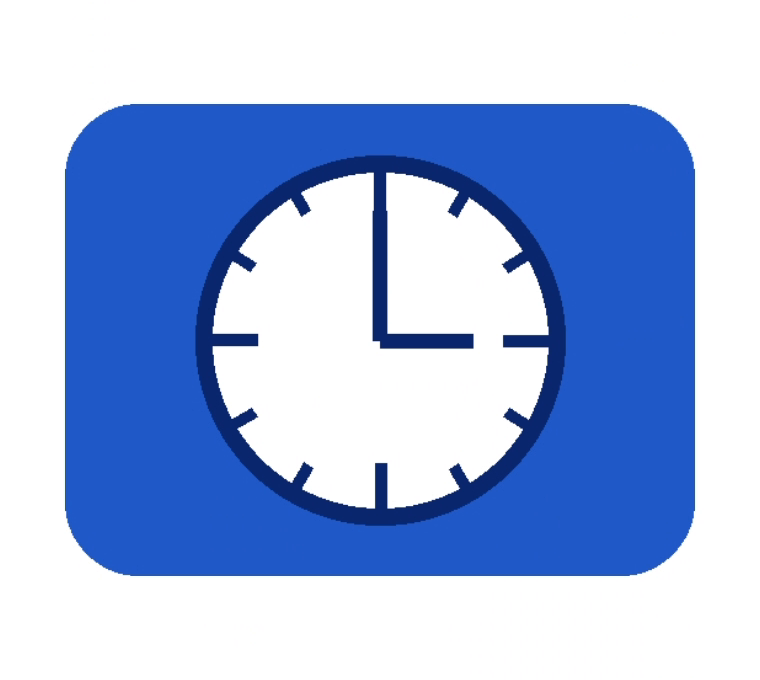
"any" icon declared 160x160, served 160x120, next to a square fallback.
Shows both bugs: dropped on desktop, stretched on Android.
case-webapk →
Single icon, declared 512x512, served 512x384.
No fallback icon; also used for the WebAPK mint.
Uninstall and reload before re-testing; Chrome keeps the icons it fetched at install time.
What the CL changes
| Where | Change |
|---|---|
components/webapps/browser/installable/square_icon.{h,cc} |
New shared helper: center a bitmap in a transparent square at its actual longest side, scaling down only above the size limit. |
content/browser/manifest/manifest_icon_downloader.cc |
Select square frames first, then non-square frames within the aspect-ratio limit; the opt-in path checks minimum size and scales using the longest side. Screenshot downloads keep height-based scaling. |
installable_icon_fetcher.cc |
Uses that option and pads the primary icon before it reaches install
surfaces (desktop and Android). The Android shortcut splash download
is also padded separately in shortcut_helper.cc. |
web_app_install_utils.cc, manifest_to_web_app_install_info_job.cc |
Product, trusted, shortcut and home tab icons are padded to the bitmap's
longest side instead of filtered. SVG "any" icons are detected by
type too. |
web_app_icon_downloader.cc |
Repeated downloads of one URL append bitmaps instead of overwriting them. |
web_app_icon_operations.cc |
SVGs request declared square sizes without an extra 0x0 request for
sizes: any; URLs declared with a raster MIME type download once
across sizes, including home-tab icons. |
Why pad and not stretch: stretching (as in the earlier prototype) turns round logos into ovals, which is exactly the Android bug shown above.
Reproduce on desktop
Installs each case into a throwaway profile through the DevTools PWA domain
and prints the stored icon sizes. Needs Node and Pillow. With the CL the declared size
shows up: 160 for case-any, 192 for case-svg, 512
for case-webapk and an Icons Maskable folder for case-maskable. Without
it those are missing and Chrome falls back to other icons or a generated letter icon.
curl -sO https://static.januschka.com/i-566319139/tools/{desktop_check.sh,pwa_install.mjs,dump_icons.py}
bash desktop_check.sh /path/to/chrome
Tools: desktop_check.sh, pwa_install.mjs, dump_icons.py, make_icons.py (raster icons), build_cases.py (case pages).
Reproduce on Android
Open case-any or case-webapk in Chrome, menu → Install and create shortcut → Install, and look at the clock in the dialog.