HTML <poster> element for <video>
What it is
Today <video poster="..."> is a single URL: no
responsive sources, no format negotiation, no alt text. The proposed
<poster> element wraps a real <img>
(or <picture>-style sources) inside the video, so the
poster frame gets everything images already have:
<video controls>
  <poster>
    <img src="poster.jpg"
         srcset="poster-480.avif 480w, poster-1280.avif 1280w"
         alt="A surfer riding the face of a breaking wave">
  </poster>
  <source src="bear.webm" type="video/webm">
</video>
Accessibility
The interesting part (html-aam#618): the
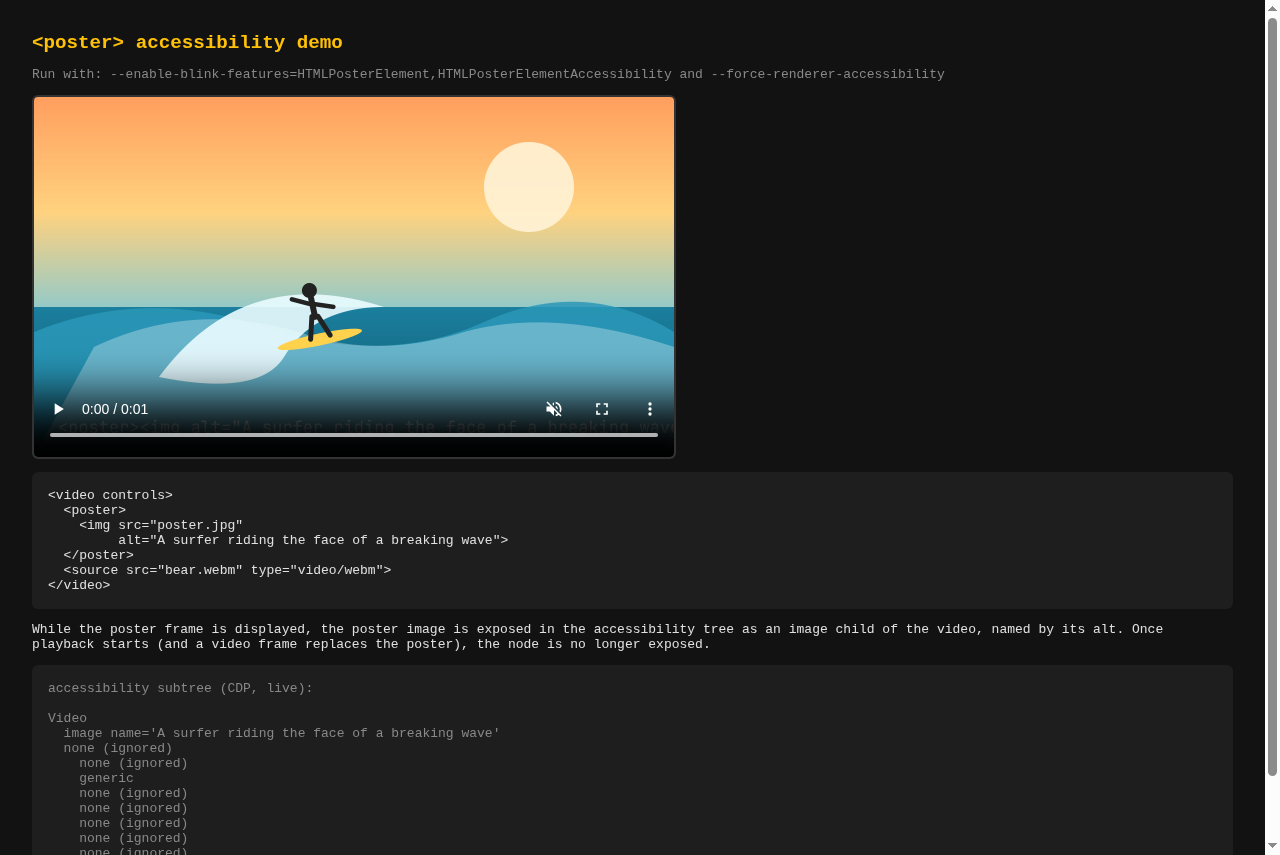
alt is exposed to assistive technology. While the poster frame
is displayed, the poster image appears in the accessibility tree as an
image child of the video, named by its alt. Once playback
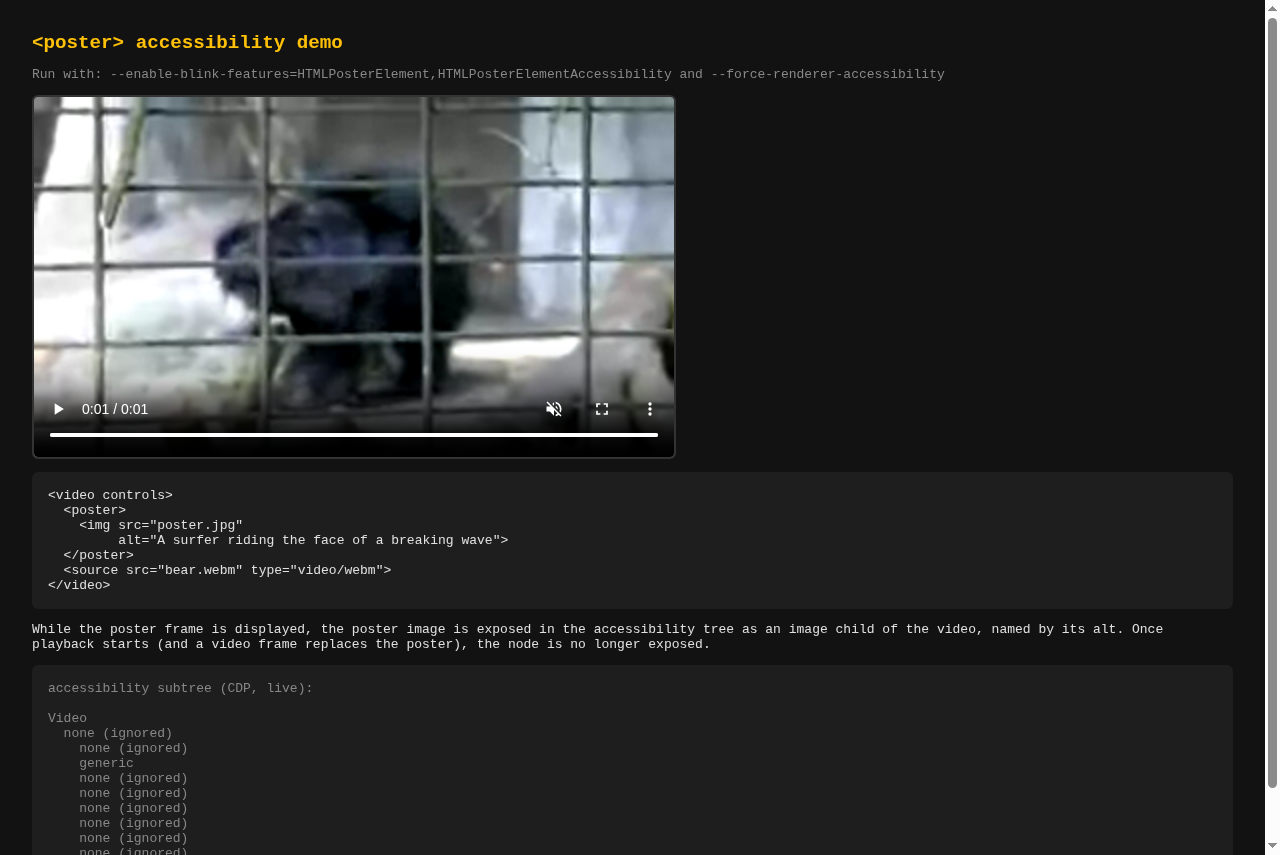
replaces the poster with a video frame, the node is withdrawn.
Poster displayed
image node exposedVideo
image name='A surfer riding
the face of a breaking wave'After playback starts
image node withdrawnVideo
(no image child)AT-SPI (Linux) sees:
[video]        name='Unable to play media.'
  [image]      name='A surfer riding a wave'
Showcase
36 s guided walkthrough (Chromium content_shell, both flags on). The
right panel is the video's live accessibility tree polled over CDP: the
image node glows while the poster shows and is struck out and
withdrawn the moment video frames replace it.
Raw demo recording
The plain demo page, same flow, cursor clicking play:
Poster frame + AX tree
Playing + AX tree
Live demo
Only works in a Chromium build with the prototype patches; elsewhere the
<poster> element is unknown and the plain video
renders.
How to run
Download the Apple Silicon (arm64) Chromium build from
CL 8742201
(stacked on CL 8549635).
This is an ad-hoc signed prototype, not notarized. Open the DMG, drag
Chromium.app into Applications, then run:
xattr -dr com.apple.quarantine /Applications/Chromium.app
/Applications/Chromium.app/Contents/MacOS/Chromium \
  --user-data-dir="$HOME/Library/Application Support/ChromiumPosterPrototype" \
  --enable-blink-features=HTMLPosterElement,HTMLPosterElementAccessibility \
  --force-renderer-accessibility \
  https://static.januschka.com/i-571666824/
HTMLPosterElement enables the responsive poster frame;
HTMLPosterElementAccessibility exposes its image alt text in
the accessibility tree while the poster is shown. Both flags are required
for the full demo. The separate profile keeps your regular Chromium data
untouched. The build runs on Apple Silicon Macs only.