Time datalist "Other" popup above anchor
What this sampler checks
Manual repro
Expected vs actual
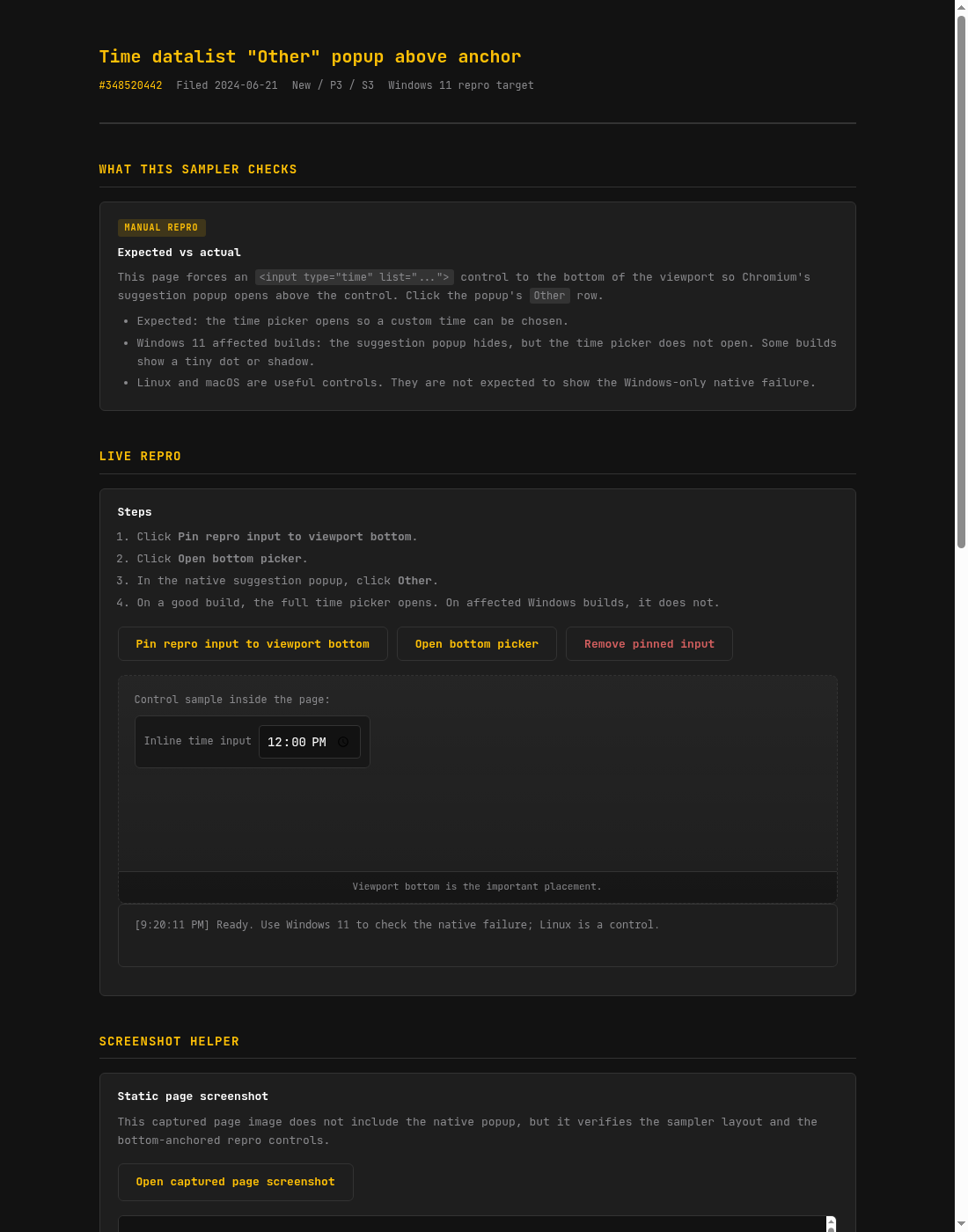
This page forces an <input type="time" list="...">
control to the bottom of the viewport so Chromium's suggestion popup opens
above the control. Click the popup's Other row.
- Expected: the time picker opens so a custom time can be chosen.
- Windows 11 affected builds: the suggestion popup hides, but the time picker does not open. Some builds show a tiny dot or shadow.
- Linux and macOS are useful controls. They are not expected to show the Windows-only native failure.
- The edge-case sampler also covers the old date suggestion picker Other path and a datetime-local control.
Live repro
Steps
- Click Pin repro input to viewport bottom.
- Click Open bottom picker.
- In the native suggestion popup, click Other.
- On a good build, the full time picker opens. On affected Windows builds, it does not.
Open minimal first-click repro
Open original-style repro
Open placement matrix
Open edge-case sampler
Open two-attempt repro
Control sample inside the page:
Viewport bottom is the important placement.
Screenshot helper
Static page screenshot
This captured page image does not include the native popup, but it verifies the sampler layout and the bottom-anchored repro controls.
Optional screen capture
DOM screenshots do not include Chromium's native picker popup. This helper uses the browser's screen-capture prompt, then stores the latest captured frame while you reproduce the issue. Select the whole screen or browser window if the prompt asks what to share.
Latest frame preview:
Minimal markup
<input type="time" value="12:00" list="timeOptions"
       style="position: fixed; bottom: 0">
<datalist id="timeOptions">
  <option value="08:00">
  <option value="12:00">
  <option value="17:30">
</datalist>